AI Homework Helper: How to Get Unstuck Without Cheating Yourself
An AI homework helper is a free ai study tool that reads your problem — often from a photo — and walks you through a step-by-step solution across almost any subject. Snap a picture, and within seconds you get the worked steps and an explanation, not just a bare answer.
Used well, it’s like having a patient tutor at 2 a.m. Used badly, it’s a fast way to fail the test you copied your way past. This guide covers how it works, what it’s good at, and — the part most tool pages skip — how to use one honestly so you actually learn.

What Is an AI Homework Helper?
Definition and how it works
An AI homework helper takes a question — typed or photographed — and returns a worked solution with an explanation. Under the hood, a large language model, often paired with image OCR, reads the problem, works through the steps, and phrases the reasoning in plain language. Most run free with no sign-up: NoteGPT offers 20 free tries a day, around the clock, and platforms like Edubrain advertise serving over 224,000 students a month with a self-reported 4.7 Trustpilot score (self-reported figures — independent review counts on Trustpilot itself vary).
That combination — free access, no account wall, and always-on availability — is why these tools have replaced “just Google it” for a lot of students stuck at midnight with a problem set due in the morning.
Photo-solve and answer modes
The headline feature is the picture solver: snap the problem, get the steps. Rather than one generic output, tools like Decopy offer several answer modes — a detailed explanation, a step-by-step breakdown, a study guide, or a “generate a similar problem” option — so you can choose to actually learn instead of just copying an answer. Marketing claims of “~98% accuracy” are worth reading with a healthy dose of skepticism; they’re promotional figures, not guarantees, and the section on accuracy below explains why that distinction matters.
What Subjects and Tasks It Handles
An AI homework helper isn’t limited to one class — its usefulness comes from covering a broad academic spread rather than specializing narrowly.
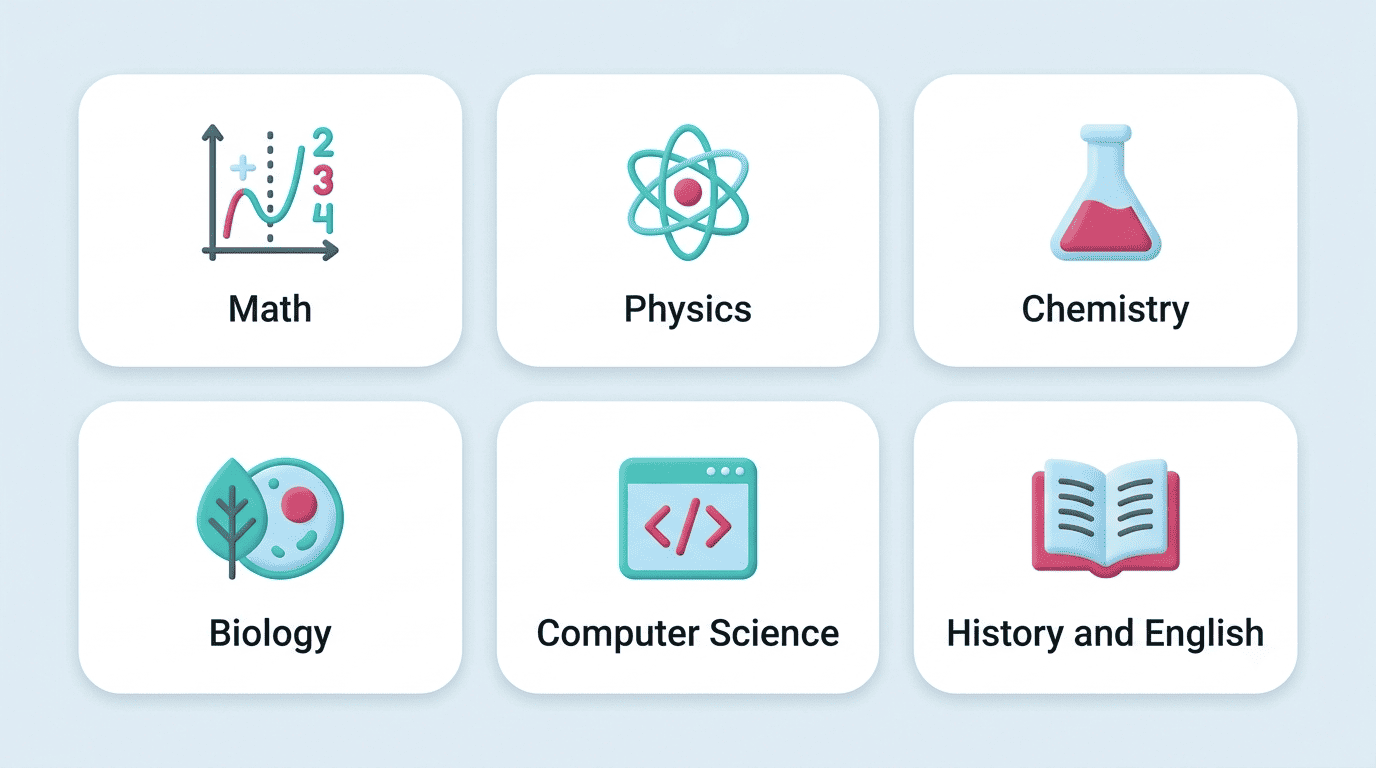
Subjects it covers
Coverage typically spans:
- Math, Calculus, and Statistics
- Physics, Chemistry, and Biology
- Economics and Computer Science
- History and Psychology
- English and foreign languages
STEM subjects with formula rendering are a common strength, since the underlying models are trained heavily on worked mathematical and scientific reasoning.
| Subject area | Typical task | Common feature |
|---|---|---|
| Math / Calculus / Statistics | Step-by-step problem solving | Formula rendering |
| Physics / Chemistry / Biology | Diagram or equation photo-solve | OCR from photo |
| Computer Science | Code debugging, logic explanation | Line-by-line walkthrough |
| History / Psychology / English | Essay structure, concept explanation | Study guide generation |
Beyond just answers
Good helpers also correct your work. Instead of only producing a fresh answer, they can review what you’ve already written and flag where the logic or arithmetic goes wrong — closer to how a tutor marks a draft than how a search engine returns a result.
They generate similar practice problems. Once you understand one worked example, a fresh variant with different numbers or wording lets you test whether you actually absorbed the method, not just the specific answer.
They build study guides. Pulling several related problems into a condensed summary is what turns “give me the answer” into “help me learn” — and it’s a good place to try an ai study helper if you want the correction and practice-generation features together rather than a bare answer box.
Is Using an AI Homework Helper Cheating?
This is the question that matters most, and the honest answer is more nuanced than a flat yes or no.
The honest answer: it depends on how you use it
Academic integrity is, per the standard definition, “a moral code or ethical policy of academia,” and by that same source, “use of GenAI tools does not automatically constitute a breach of academic integrity” — the tool itself isn’t the violation (Wikipedia: Academic integrity). What matters is the behavior around it. The International Center for Academic Integrity frames this through six fundamental values:
- Honesty
- Trust
- Fairness
- Respect
- Responsibility
- Courage
An AI homework helper fits inside or outside that frame depending entirely on how a student applies it.
Use of GenAI tools does not automatically constitute a breach of academic integrity.
Wikipedia, Academic integrity
Where the line is
An AI homework helper is meant to help you learn and understand the material and to check your own work — it does not do your work for you, and it is not a tool for cheating. Copying an AI-generated answer straight onto graded work and submitting it as your own can violate your school’s academic-integrity policy, and the consequences for that range from a zero on the assignment to a formal integrity hearing depending on the institution.
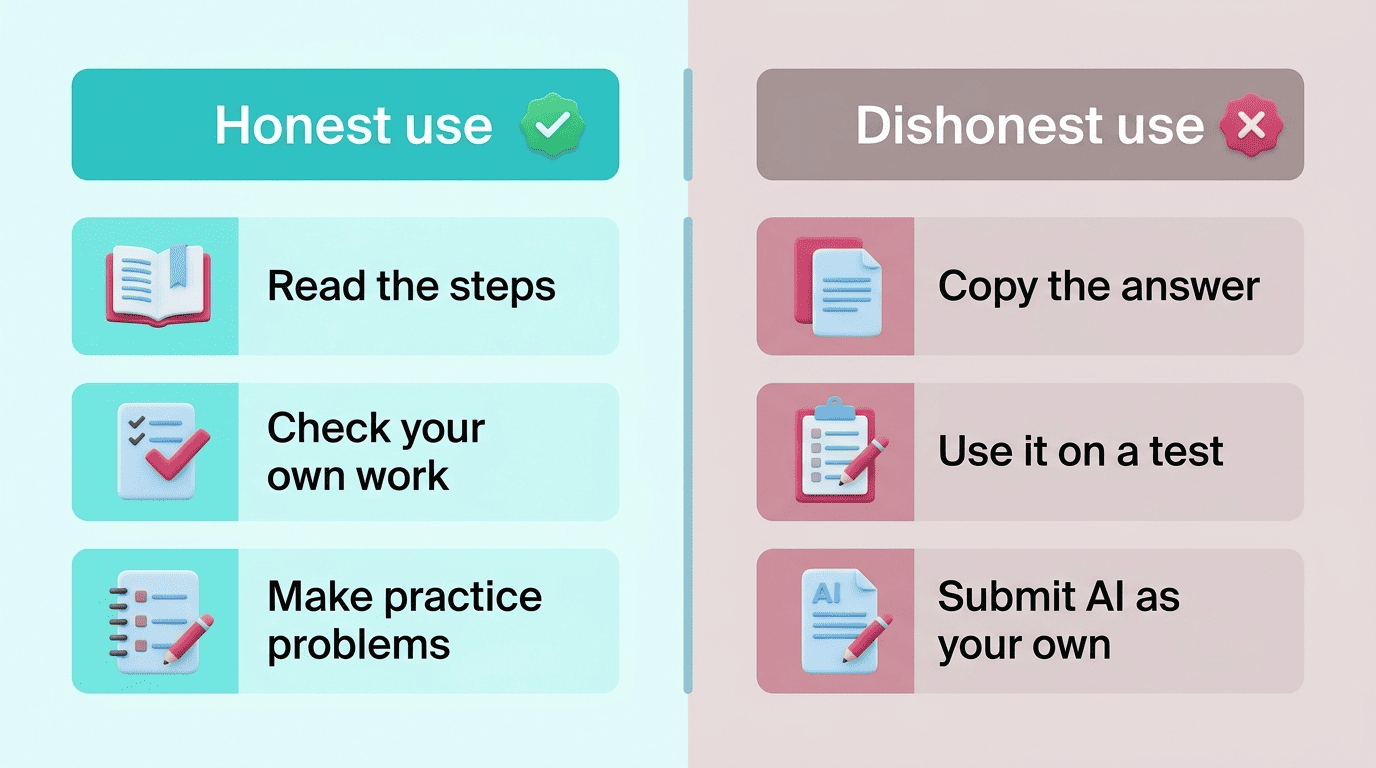
| Honest use | Dishonest use |
|---|---|
| Reading the steps to understand the method | Copying the final answer onto a graded assignment |
| Checking your own solution against the tool’s | Using the tool live during a test or exam |
| Generating extra practice problems | Submitting AI-written text as your own essay |
AI can also simply be wrong. Always double-check its answer against your textbook, your class notes, or your teacher before you trust it — treating the output as a first draft, not a verdict, protects you from both academic-integrity trouble and from studying a mistake into your memory.
A simple rule of thumb
Ask yourself: “Would I be comfortable showing my teacher exactly how I used it?” If yes, you’re probably fine. If not, stop before you submit anything. When in doubt, ask your instructor directly what’s allowed — policies differ from class to class, and even within the same school a math teacher and an English teacher may draw the line in different places.
How to Actually Learn From It (Not Just Copy)
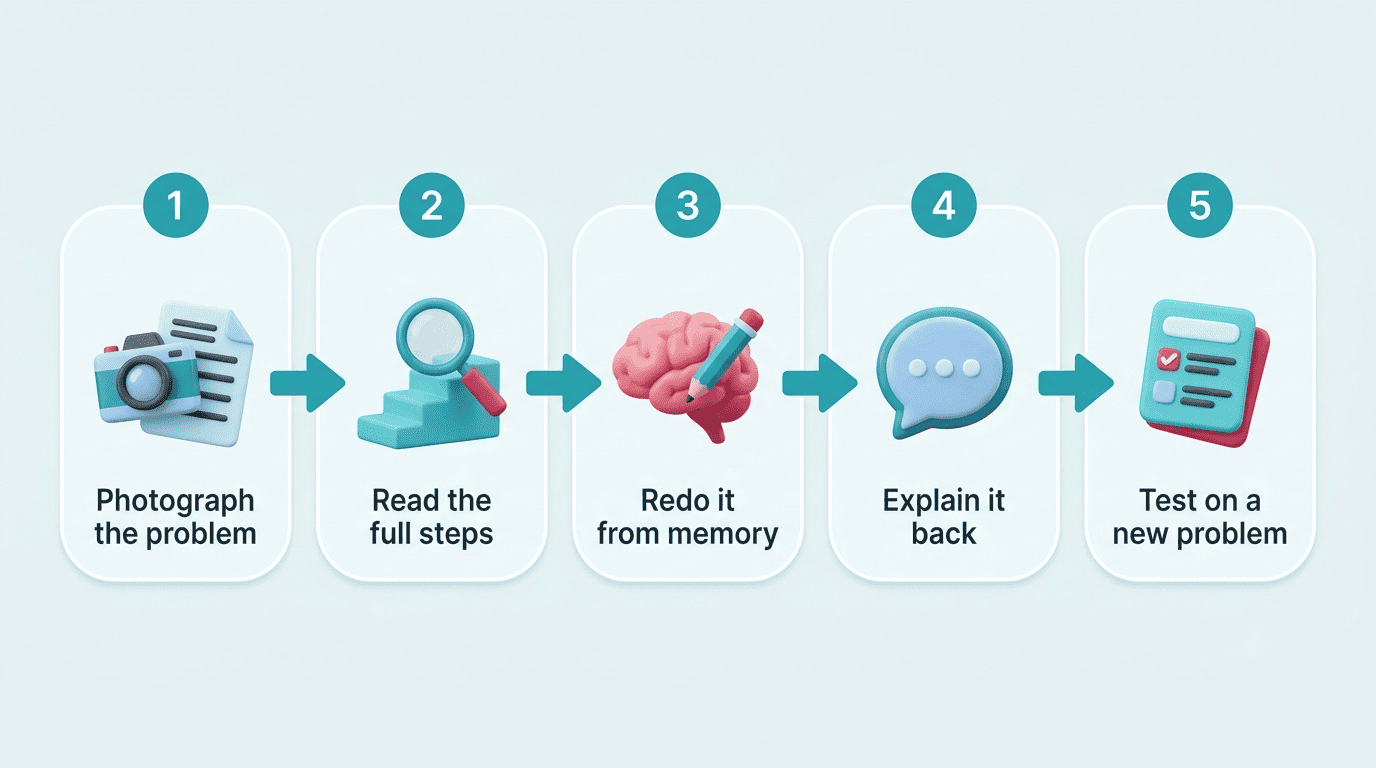
- Photograph or type the problem into the tool.
- Read the full worked explanation, not just the final line.
- Close the tool and re-solve the same problem from memory.
- Compare your redo against the original steps and note where you diverged.
- Explain the solution out loud in your own words, as if teaching a friend.
- Generate a similar problem and solve that one unaided.
- Check the final answer against your textbook or notes before calling it done.
Read the steps, then redo it yourself
Don’t stop at the answer. Read the worked steps, close the tool, and re-solve the problem from scratch. Retrieving the method from memory rather than re-reading it is known as the testing effect, and it’s what actually builds durable understanding rather than a fleeting sense of familiarity (Wikipedia: Testing effect).
Explain it back (the Feynman move)
Try to explain the solution in your own words as if teaching a friend who’s never seen it — a technique named after physicist Richard Feynman (Wikipedia: Feynman Technique). The exact point where you stumble or reach for jargon is the gap that needs more study. Once you’ve patched it, use the tool’s “generate a similar problem” mode to test yourself on a fresh version of the same concept.
Accuracy and Limits
Verify before you trust
AI can hallucinate steps or state a wrong answer with total confidence, especially on tricky, multi-part, or highly specialized problems. Treat the output as a draft: check it against your textbook or notes, and be skeptical of “98% accuracy” marketing claims that rarely specify what they were measured against. This is also where an ai study tool earns its keep over a plain search result — it shows the reasoning, not just a number, so you can spot exactly where a step went wrong.