
AI Math Solver: How to Solve Problems Step by Step (and Actually Learn)
An AI math solver reads a math problem — typed, pasted, or snapped as a photo — and returns a worked, step-by-step solution in seconds. Used as a tutor rather than an answer key, an ai study tool for students can turn a stuck homework night into a lesson you actually understand.
The catch: it only helps if you use the steps to learn the method, not to copy the final answer. This guide covers how these tools work, what they can (and can’t) reliably do, and how to use one without crossing into cheating.

Quick rule first: an AI math solver is there to help you understand and check your work — it does not do your homework for you, it is not a shortcut around learning, and it can get answers wrong, so you always verify.
What Is an AI Math Solver (and How Does It Work)?
An AI math solver is software that reads a math problem and produces a full, worked solution instead of just a final number. Under the hood, three things happen in sequence: your input is captured, it’s converted into a form the model can reason over, and an AI system paired with a symbolic math engine works through the problem the way a tutor would at a whiteboard, laying out each intermediate step.
From photo to worked solution
You snap a photo of a textbook problem, type it, or paste it from a PDF. If the input is an image or handwriting, optical character recognition (OCR) converts the pixels into machine-readable text and symbols first. From there, an AI model and a computer algebra system — software built to manipulate mathematical expressions symbolically rather than just crunch numbers — work the problem and produce step-by-step solutions, showing the same intermediate work a teacher would want to see on a graded page, not just the final answer.
What it can solve
Coverage varies by tool, but most solvers on the market handle a similar span of subjects and input formats. Between them, competitors like MathGPT, ThetaWise, and AllMath advertise support across:
- Arithmetic, fractions, and word problems
- Algebra — linear and quadratic equations, polynomials, systems of equations
- Geometry and trigonometry
- Calculus — derivatives, integrals, limits, and series
- Statistics and probability
Inputs typically include typed text, photos, PDFs, and — on the more capable tools — LaTeX and handwriting recognition. A few solvers, such as Mathos AI, extend past pure math into physics and engineering problems that lean on the same algebra and calculus underneath.
Is Using an AI Math Solver Cheating? (Academic Honesty)
This is the question that matters most, and it deserves a straight answer: an AI math solver is a tool for learning and checking your own work, not a substitute for doing it. It does not do your homework for you, and treating it as an answer-copying machine defeats the entire point of the assignment — and, more practically, leaves you unprepared for the test where no solver is allowed.
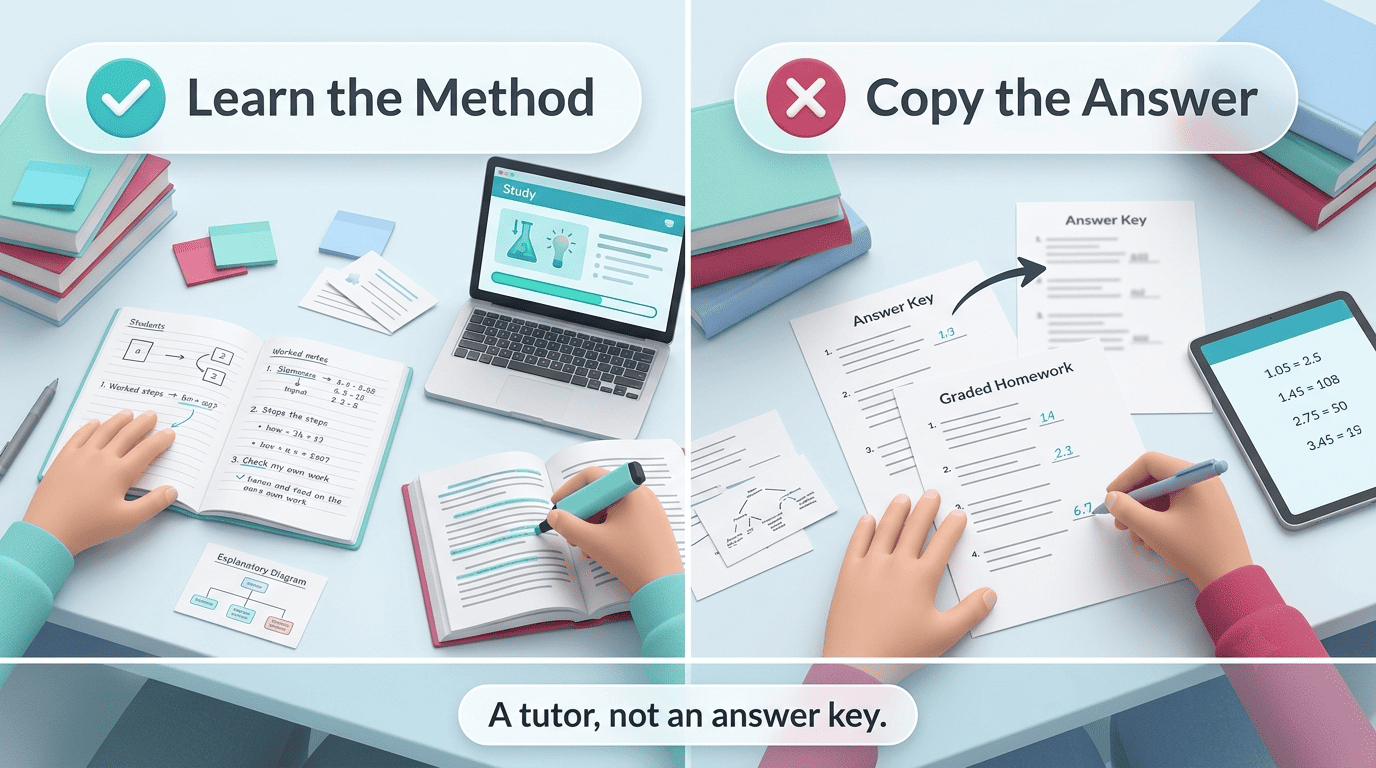
Learn the method vs copy the answer
Using a solver to see how a problem is worked, to check an answer you already attempted yourself, or to get unstuck on one specific step is legitimate studying — the same way checking a textbook’s answer key has always been. Copying the final answer onto graded homework without understanding how it was reached, especially where a teacher has forbidden outside tools, is academic dishonesty. The International Center for Academic Integrity defines the values that separate the two uses, and its own framework states plainly:
Academic integrity is a commitment, even in the face of adversity, to six fundamental values: honesty, trust, fairness, respect, responsibility, and courage.
International Center for Academic Integrity
Using a solver to understand a step honors that commitment; submitting its output as your own unaided work does not. In practice, the line usually comes down to intent:
- Legitimate: checking an answer you already attempted, seeing how a stuck step is worked, reviewing before a test
- Not legitimate: copying steps you don’t understand onto graded homework, submitting AI output where your teacher requires unaided work, using it during a closed-tool exam
Why copying hurts you anyway
Beyond the rules, there’s a purely practical reason not to skip the work: research on how people learn math consistently points to “productive struggle” — wrestling with a problem before seeing the solution — as where the actual learning happens. The National Council of Teachers of Mathematics (NCTM), the leading professional body for math education, promotes exactly this kind of sustained problem-solving as a core teaching practice rather than a rote path to an answer. Skip that struggle by copying, and you’ll face the same type of problem again on an exam with no tool in hand and no method in memory. Standing reminder: check your class and school policy, and when in doubt, ask your teacher — rules on AI tools differ by course and even by assignment.
How to Use an AI Math Solver to Actually Learn
Treating the solver as a study partner instead of an answer key comes down to sequencing — what you do before, during, and after you see the solution.
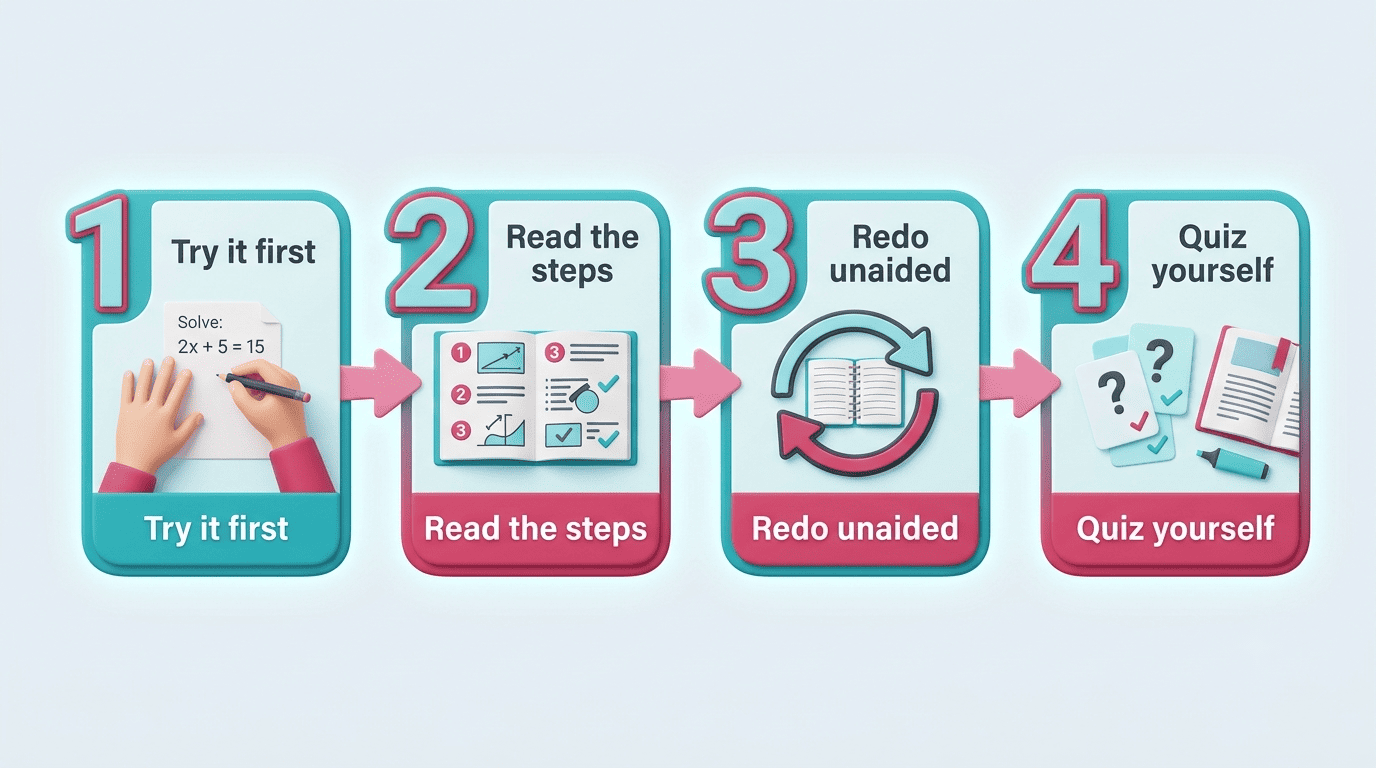
- Try it yourself first. Attempt the problem before you check anything. The solver is most useful when it confirms or corrects your own reasoning, not when it replaces it from the start.
- Read the steps, not just the answer. Use a tool that shows full worked steps or a video explanation — MathGPT and ThetaWise both generate animated step walkthroughs — and follow each line until you understand why it’s true, not just what it says.
- Redo it unaided. Close the solution and work the problem again from scratch, without looking.
- Quiz yourself. Built-in practice quizzes and flashcards, offered by tools like ThetaWise, AllMath, and Mathos, test recall on similar problems — this repetition is where memory actually forms, not the first read-through.
- Verify the final answer. Sanity-check the result before you trust it; the next section covers exactly how.
Accuracy: Can You Trust an AI Math Solver?
AI can make mistakes — it can misread a photo, drop a negative sign, or confidently produce a wrong intermediate step — so always double-check the answer against your textbook, a calculator, or your teacher before you rely on it, especially on graded work. Vendor accuracy claims are worth reading with a skeptical eye. AllMath advertises roughly 97% accuracy across a benchmark of 3,000 past AP problems, and Mathos claims accuracy “20%+ higher” than GPT-5.2 on math benchmarks — both are marketing figures from the companies themselves, not independently audited guarantees.
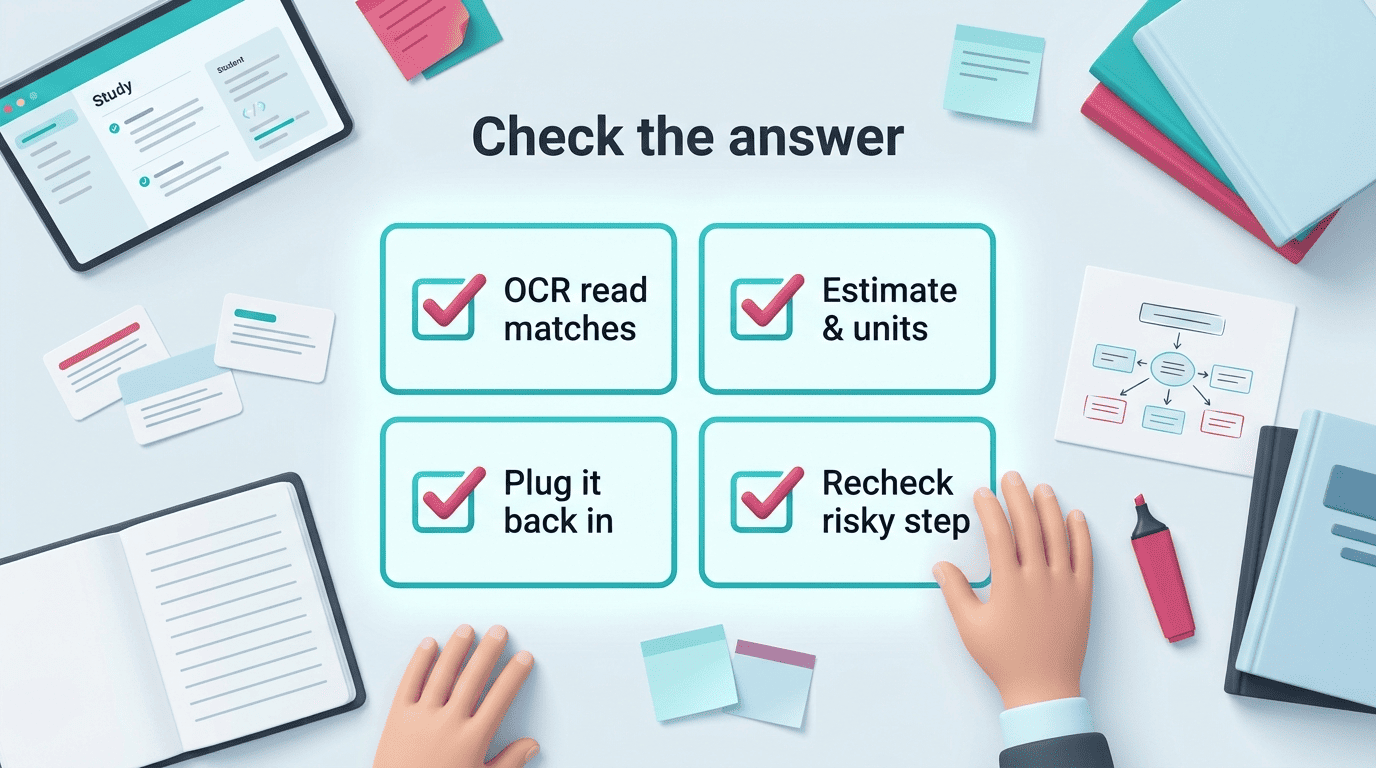
Accuracy also isn’t uniform across problem types. It tends to drop on messy handwriting, multi-step word problems, and formal proofs, which is exactly where a wrong step is easiest to miss if you’re not checking. That’s why a quick verification routine matters more than which tool you picked:
| Check | What to look for |
|---|---|
| OCR read | Does the transcribed problem match exactly what you wrote or photographed? |
| Rough estimate | Does the final answer pass a sanity/units check (right order of magnitude, correct units)? |
| Back-substitution | Does plugging the answer back into the original equation actually satisfy it? |
| One risky step | Recompute the step most likely to hide an error by hand |
If any of those fail, don’t submit the answer as-is — rework the step by hand or ask your teacher.
Best AI Math Solvers (by Use Case)
Tools in this space differ mainly in subject depth, input format, and whether they push you toward learning or just an answer.
| Tool | Best for | Notable stats |
|---|---|---|
| MathGPT | Photo homework, step-by-step | 2M+ students, 150+ countries, built by Cornell Engineering students |
| Mathos AI | Photo/voice/LaTeX input | 5M+ students, 10M+ problems solved |
| ThetaWise | Guided tutoring, test prep | 722,784 students, Desmos graphs, ~$20/month after free trial |
| AllMath | Free solving, no app | Free with daily limit, grades 6-12/AP/college |
| AskMath | Free, no sign-up | Multilingual, photo OCR, no account needed |
For photo homework and step-by-step
MathGPT (2M+ students across 150+ countries, built by Cornell Engineering students) accepts text, photo, and PDF input and generates video explanations alongside its written steps. Mathos AI (5M+ students, 10M+ problems solved) takes photo, voice, typed, or LaTeX input and is one of the few tools to extend into physics and engineering. Both are strong all-rounders for working a problem end to end.
For guided tutoring and test prep
ThetaWise (722,784 students) leans into an AI tutor mode with animated video lessons, built-in quizzes, and Desmos-style graphing, and focuses on building understanding over a study session rather than just returning answers one at a time. It offers a free trial before moving to a paid plan around $20/month.
For free, no-signup solving
AskMath is free, requires no sign-up, works in multiple languages, and reads problems through photo OCR — a good pick for a single quick check. AllMath is also free (with a daily usage limit), has no app to install, and covers grades 6-12 through AP and early college material.
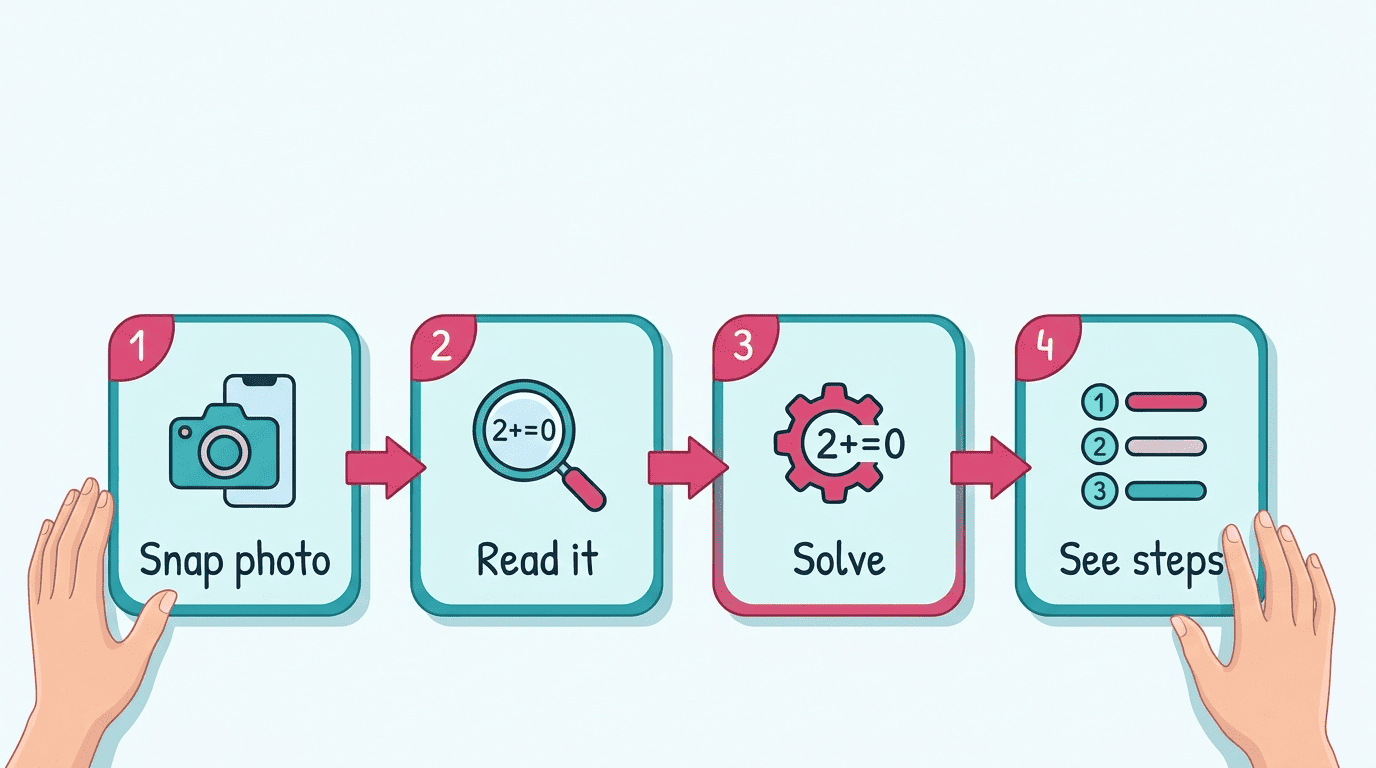
Across all five, a few input formats keep showing up as table stakes rather than extras:
- Typed text and pasted equations
- Photo or screenshot capture
- PDF upload
- Handwriting recognition (on the more capable tools)
- LaTeX input for advanced or proof-style work
Whichever you choose, treat it as one part of a broader ai learning tool that also makes notes, flashcards, and quizzes so solving feeds real practice instead of standing alone.
How to Choose the Right Math Solver
A few criteria matter more than the marketing page:
- Subject coverage. Does it actually handle the level you’re at — algebra basics, or calculus and statistics?
- Input methods. Can it read a photo, your handwriting, or LaTeX, or does it only accept typed text?
- Worked steps vs. bare answers. Does it show full reasoning and explanations, or just spit out a final number? A tool that only gives the answer teaches you nothing.
- Free-tier limits. How many problems per day before you hit a paywall?
- Built-in practice. Does it generate quizzes or flashcards so you can test recall afterward, rather than just solve-and-move-on?
For most students the best setup is a single ai study tool that solves, explains, and quizzes you in one place, rather than juggling a separate app for each step.